
Annotations
Annotation & Drawing Tools
A full non-destructive annotation layer drawn on HTML5 Canvas. Everything renders at full resolution on export, and a complete undo/redo history means you can experiment fearlessly.
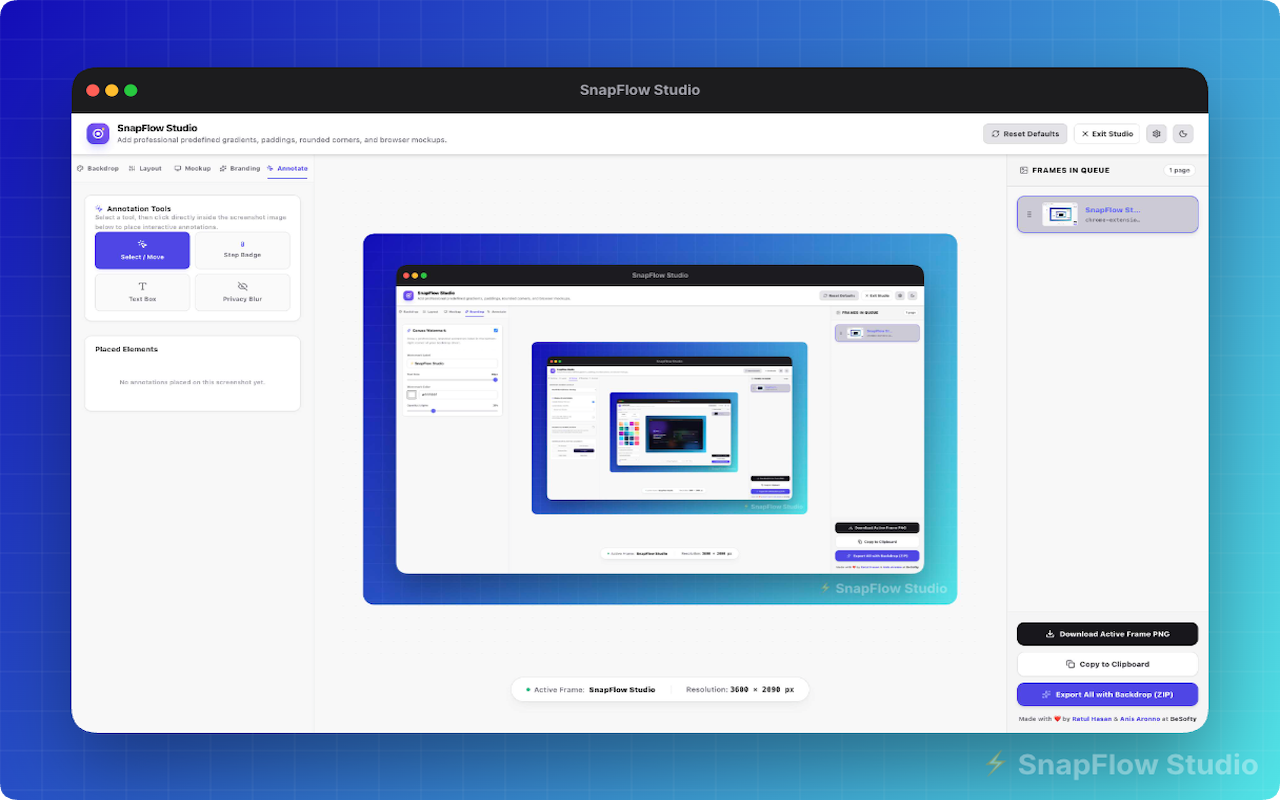
Auto-numbered steps
Drop auto-incrementing numbered badges for tutorials and walkthroughs.
Redaction blur
Securely blur API keys, emails, and any sensitive data before sharing.
Text box presets
Five designer presets - Plain, Badge, Coupon, Flyer, Callout - fully customizable.
Drawing toolkit
Pen, rectangle, circle, line, arrow, and a semi-transparent highlight brush.
Undo / Redo history
A full history stack with Ctrl/⌘ + Z and Ctrl/⌘ + Y or toolbar buttons.
Keyboard shortcuts
- Ctrl + Z Undo last annotation
- Ctrl + Y Redo
Ready to make beautiful screenshots?
Install SnapFlow Studio and turn raw captures into polished mockups in seconds. 50 captures free - no account needed.