SHORTCUTS
Screenshot keyboard shortcuts for Chrome.
Capture a visible area, save a full page, or select a region with FramioCam’s Chrome keyboard shortcuts. These are the defaults; you can change them in Chrome. This website cannot see your current assignments.
Default shortcuts
| ACTION | WINDOWS / LINUX | MACOS |
|---|---|---|
| Capture the visible areaWhat is on screen right now. | CtrlShift3 | ⌘Shift3 |
| Capture the whole pageScrolled and stitched at device-pixel resolution. | CtrlShift4 | ⌘Shift4 |
| Capture a selected areaDraw the region and it captures only that. | CtrlShift5 | ⌘Shift5 |
| Open the FramioCam popupEvery mode, and what your licence allows. | CtrlShiftF | ⌘ShiftF |
| Start or stop recordingShips without a default so it cannot take a key you already use. Assign one below. | Not set | Not set |
Make the shortcuts your own
Openchrome://extensions/shortcuts— Chrome will not let a page link there — find FramioCam, and set whatever you like. This is also where recording gets a key.
A shortcut that does nothing is usually one another extension claimed first; that screen shows the clash.
Add to Chrome — it's freeCOMING NEXT TO CHROME
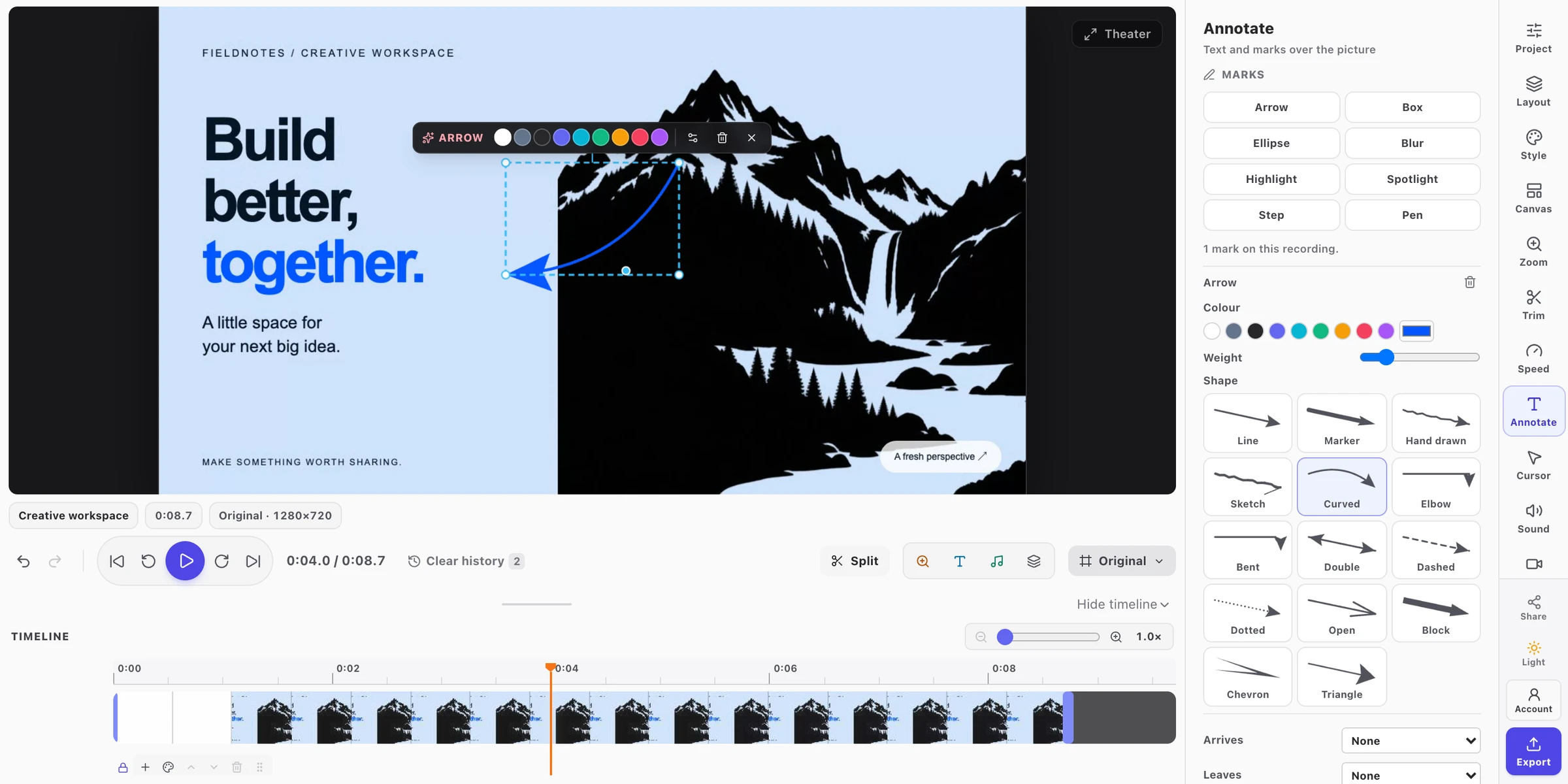
The same tool keys in both editors
In development for an upcoming extension update: visible letter keys on annotation tools. These keys are not part of the current Chrome Web Store release.
- V
- Select
- N
- Step
- T
- Text · screenshots
- B
- Blur
- P
- Pen
- H
- Highlight
- R
- Rectangle / Box
- C
- Circle / Ellipse
- L
- Line · screenshots
- A
- Arrow
- Z
- Spotlight
In video, tool keys work while Annotate is open; S remains Split. Typing fields and dialogs keep their own keys. Find the shortcut reference in Preferences and the video editor’s shortcut help.
See what is coming to the extension