
Spotlight & Zoom
Spotlight & Zoom
Draw the eye exactly where it matters. Place a circular magnifier anywhere on the shot, then tune its size and magnification independently - it renders in full resolution on export.
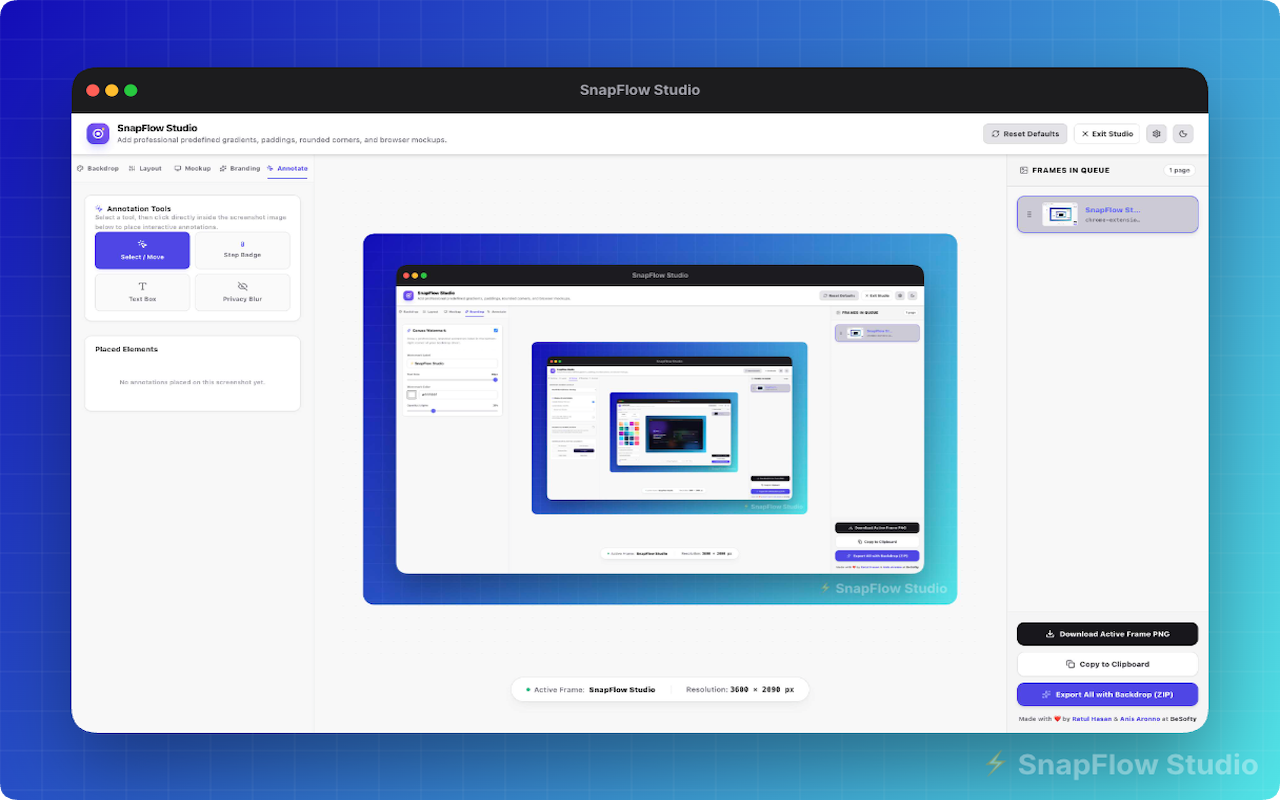
Circular magnifier
Drop a spotlight lens on any region of the screenshot in one click.
Independent sliders
A size slider sets the radius; a zoom slider scales magnification from 1.5× to 5×.
Drag to reposition
Move the lens freely until the framing is perfect.
Full-resolution export
The magnified region renders crisp at full export resolution.
Ready to make beautiful screenshots?
Install SnapFlow Studio and turn raw captures into polished mockups in seconds. 50 captures free - no account needed.