Skip to content
SnapFlow Studio
← All features
Capture

Smart Capture Engine

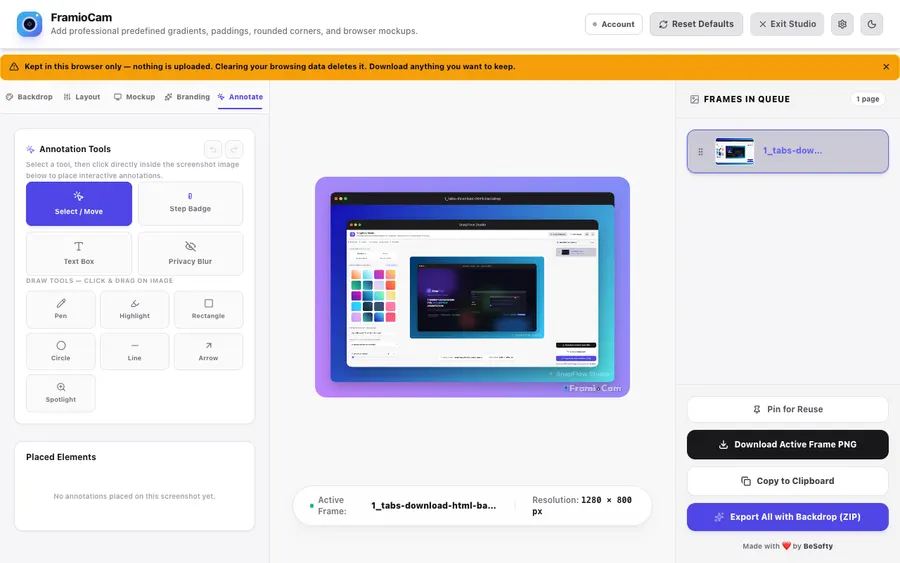
Grab exactly what you need. Snap the visible viewport in an instant, or capture an entire scrollable page stitched together seamlessly from 1080p all the way up to 4K Retina.

SnapFlow Studio capture and mockup workspace

Visible viewport capture

One keystroke (Ctrl/⌘ + Shift + 3) freezes the current viewport into the studio.

Full-page stitching

Ctrl/⌘ + Shift + 4 auto-scrolls and stitches the whole page into one tall, crisp image.

High-fidelity rendering

A precision headerScale multiplier keeps borders, radii, and frames razor-sharp at any resolution.

Multi-page queue

Capture several pages — they collect in a bottom thumbnail queue you can drag to reorder before export.

Keyboard shortcuts

  • Ctrl + Shift + 3 Capture visible viewport
  • Ctrl + Shift + 4 Capture full scrollable page

Ready to make beautiful screenshots?

Install SnapFlow Studio and turn raw captures into polished mockups in seconds. 50 captures free — no account needed.