6 min readUpdated 15 October 2026
FramioCam vs Loom: Local Editing and Cloud Video Sharing
Compare Loom and FramioCam on recording, cloud sharing, local editing, privacy, video timelines and subscription versus one-time pricing.
- comparisons
- screen-recording
- loom-alternative
KEY TAKEAWAYS
- Loom uploads every recording to its own cloud and sells you the shareable link; FramioCam keeps the core workflow local and offers optional direct-to-your-Google-Drive sharing.
- Loom's real editing tools sit behind the $24/seat Business + AI tier; FramioCam's full editor is included in Free, Pro, and Teams for a one-time price.
- Loom is the better tool when a hosted shareable link, mobile recording, or Jira/Confluence integration is the actual requirement.
If you searched for “Loom alternative,” you already know what Loom is and probably why you’re looking elsewhere. Maybe it’s the price. Maybe it’s that every recording leaves your machine the moment you stop talking. This is the honest version of that comparison, including where Loom is still the better tool.
The short version
Loom is a subscription video-messaging platform: you record, it uploads to Loom’s cloud, and you get a shareable link. FramioCam is a browser extension that records, edits on a real timeline, and exports a file — nothing is uploaded to us, and you pay once instead of every month.
| Loom | FramioCam | |
|---|---|---|
| Pricing model | Subscription, per seat | One-time payment |
| Free tier | 25 videos, 5-minute cap, 720p | 50 screenshots with no account; recording is unlimited, video export needs a free account |
| Paid price | $18–$24/user/month (Business / Business + AI) | One-time Pro and Teams plans |
| Where the recording lives | Uploaded to Loom’s cloud, shared as a link | Stays on your machine as a file |
| Editing | Trim and stitch on Business; text overlays, transcript editing and AI cleanup locked behind Business + AI | Full multi-lane timeline included in Free, Pro, and Teams |
| Platform | Web app, desktop and mobile apps | Chrome extension — works on Windows, macOS and Linux |
| Owner | Atlassian (acquired 2023) | Independent |
Where the two tools actually differ
Loom sells you hosting. FramioCam sells you the tool.
Loom’s core value proposition has always been the link: record something, hit stop, and a shareable URL is sitting in your clipboard. That’s genuinely useful when the whole point is “send this to someone who isn’t waiting for a file.” FramioCam hands you an MP4, WebM, GIF, or PNG; Pro and Teams can also send it straight to the user’s own Google Drive and create a Drive link. Loom remains stronger when a vendor-hosted video page with viewer features is the requirement.
The billing shape is the bigger difference in practice.
Loom’s Starter plan is free but capped hard: 25 videos total, 5 minutes each, 720p. Almost every team outgrows that within a few weeks and lands on Business at $18/user/month, or Business + AI at $24/user/month if you want anything past basic trim-and-stitch — transcript-based editing, filler-word removal, and auto-summaries all sit behind the higher tier, according to Loom’s official pricing page. For a 5-person team, that’s $1,080–$1,440 a year, recurring, for as long as you use it.
FramioCam is licensed once. Pro covers one person on two personal devices. Teams covers three people sharing six devices, or ten people sharing thirty. Current prices and allowances are published together. There’s no renewal, no seat count creeping upward, and no plan you have to remember to downgrade before the annual invoice lands.
Recording limits work in opposite directions.
Loom’s free tier caps recording length; FramioCam’s caps neither the length nor the number of recordings. What it counts is screenshots — 50 of them before a free account is needed — and what it asks an account for is exporting a video. You can record for two minutes or two hours either way, and a licence is what removes the mark from the export and the ceiling from the resolution.
Editing depth, unlocked differently.
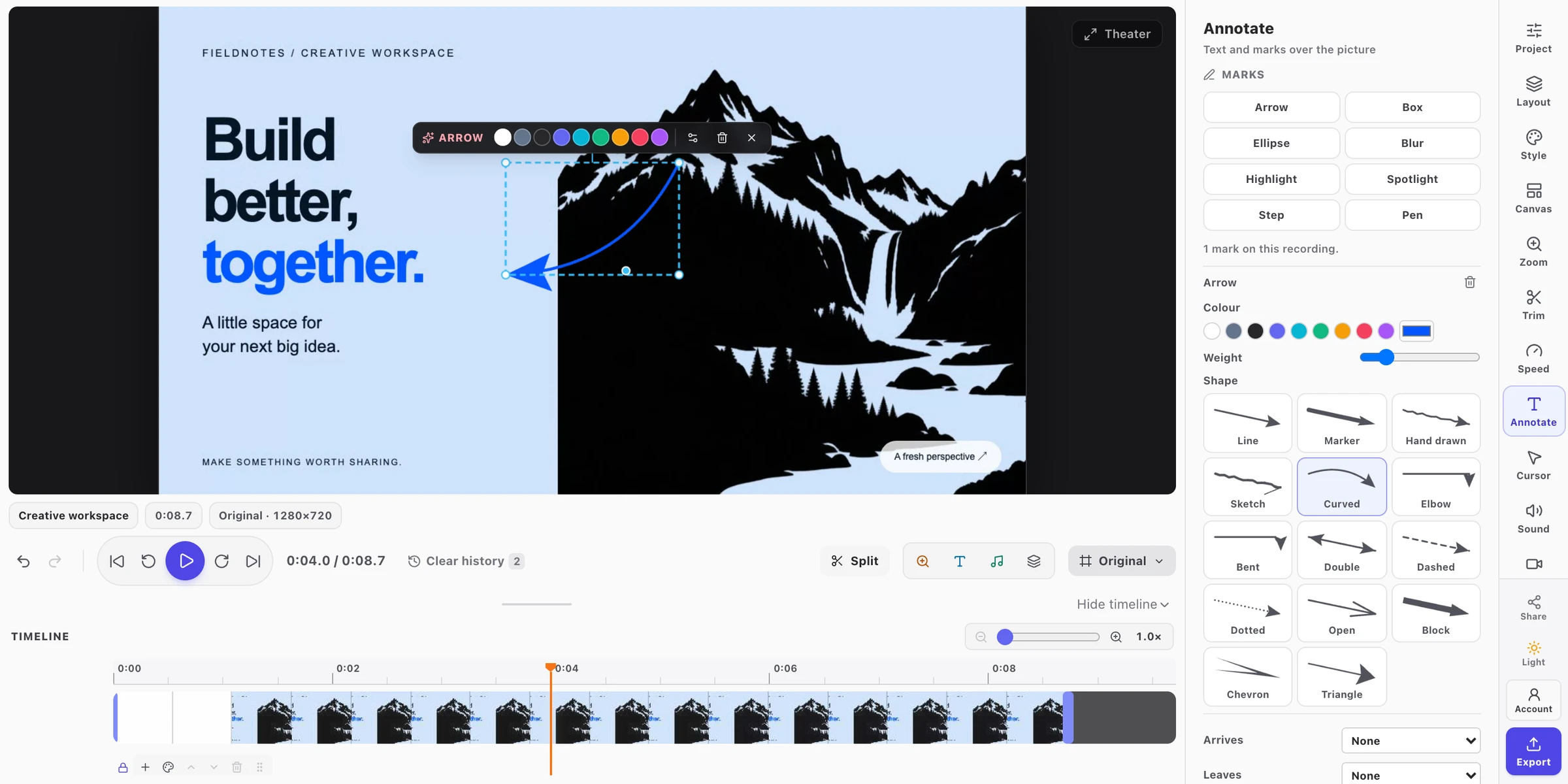
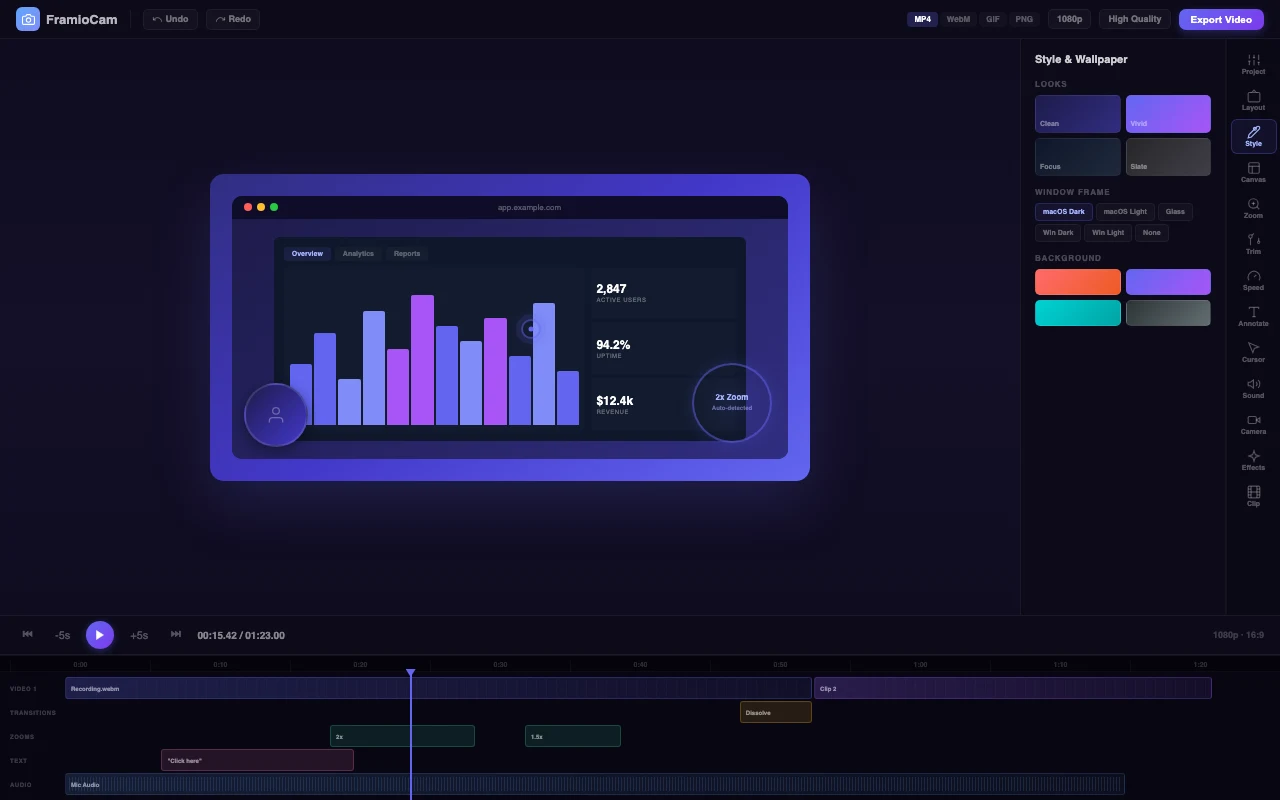
Loom’s Business plan gives you trim and stitch. Real editing — text overlays, annotations, transcript-based cuts — needs Business + AI, the $24/seat tier. FramioCam’s editor is the same in Free, Pro, and Teams: multi-lane timeline, split and ripple-delete, 24 clip transitions with a searchable gallery, click-driven auto-zoom generated from your actual recorded clicks, cursor highlighting, webcam compositing with its own shape/border/shadow controls, and audio tracks with per-clip fades. None of it is gated behind a second purchase.
Where your recording physically sits.
This is the one that matters most if you’re recording anything sensitive — a client’s dashboard, an internal admin panel, a bug that happens to show a real customer’s data. Loom’s flow is capture-then-upload; the file exists on Loom’s infrastructure the moment you stop recording, whether or not you meant to share it yet. FramioCam captures, edits and exports locally. Optional sync goes directly to your own Google Drive, and nothing is uploaded to FramioCam; the network requests the extension does make are documented on the what leaves your browser page, not left to trust.
Where Loom is genuinely the better tool
To be direct about it, rather than just listing FramioCam’s advantages:
- You need a hosted video page, not just a file or Drive link. Loom includes viewer comments, reactions and analytics; FramioCam does not.
- You’re already inside Atlassian’s ecosystem. Native integrations with Jira and Confluence are a real advantage if that’s where your team already lives.
- You need mobile recording. Loom has dedicated iOS and Android apps. FramioCam is a browser extension — it doesn’t record from a phone.
- Viewer-side features matter to you. Comments, emoji reactions, and watch-analytics on the video itself are things a hosted platform can do that a local file can’t.
Who FramioCam is actually built for
Product teams recording a feature walkthrough before standup, support engineers attaching an annotated bug clip instead of writing six sentences, course creators cutting lesson footage into chapters, and anyone who’d rather not explain to legal why a customer’s screen is sitting on a third party’s servers. If a file is the output you want — something you attach, upload to your own systems, or hand off without a middleman — that’s the whole design.
FAQ
Is FramioCam really free to try? Partly. The first 50 screenshots work with no account at all, and recording and editing video need no account either — there is no video limit and no length cap. Exporting a video is where a free account is asked for, and free exports come out at up to 720p carrying a small FramioCam mark. A free account also lifts the 50-screenshot limit; Pro removes the mark and unlocks exports up to 4K.
Does FramioCam upload recordings anywhere, like Loom does? No. Capture, editing, and export all happen inside the browser extension. Nothing is sent to a server as part of that pipeline.
Can I get a shareable link out of FramioCam like I can with Loom? Yes, on Pro and Teams: FramioCam can save the file straight to your own Google Drive and create a Drive link. It does not provide a FramioCam-hosted viewing page like Loom.
Is the one-time payment really one-time? Yes. Pro and Teams are bought outright. There’s a device-seat system (a plan covers a set number of browsers, shared by everyone on it), but nothing renews or expires on its own.
See the full breakdown of how FramioCam compares to Loom, Scribe, CleanShot X and Awesome Screenshot, or add FramioCam to Chrome and try the first 50 screenshots free.