Browse this guide
FramioCam guides

Chrome extension

In this guide

Keyboard shortcuts

Save screenshots to your own Google Drive.

Save screenshots and screen recordings to your own Google Drive. Share a link or sync an editable project between devices with Pro and Teams. Media travels directly from your browser to Google.

Chrome extension guideAdd to Chrome
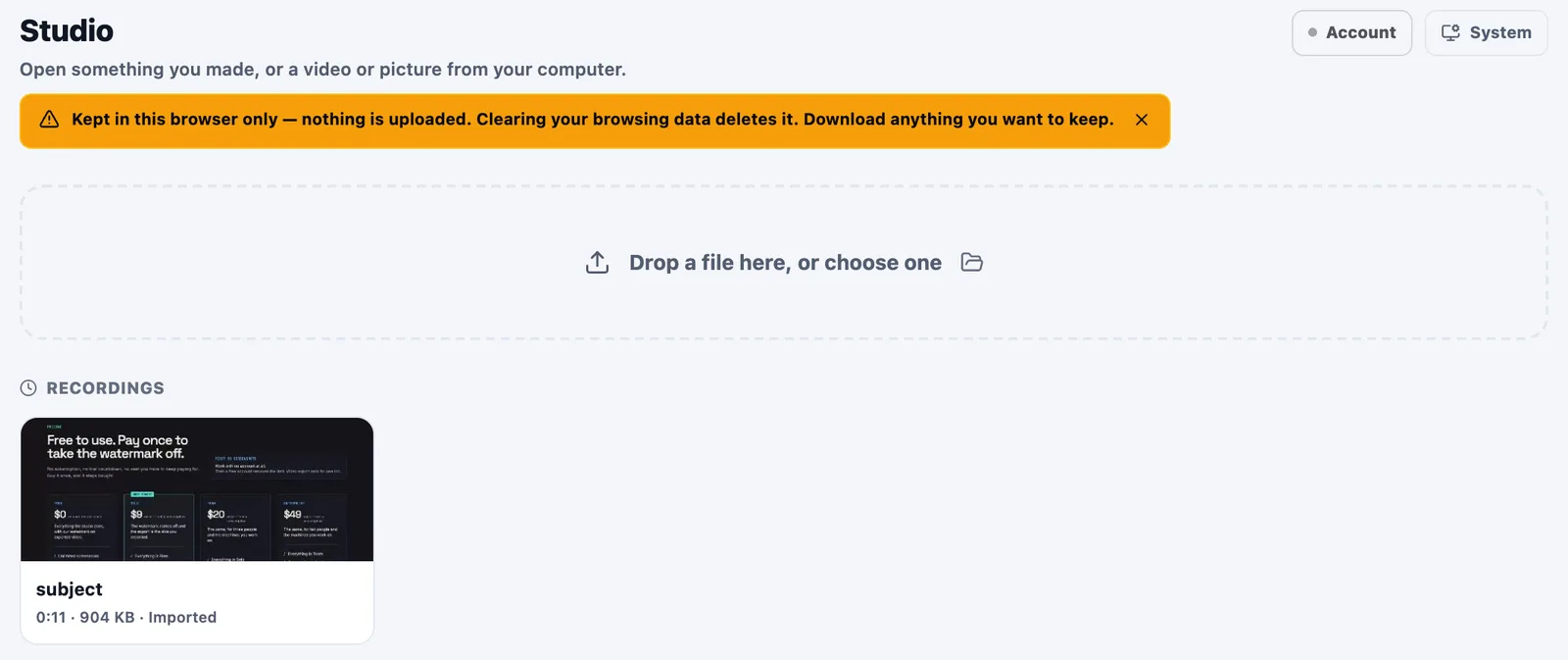
The FramioCam Studio library with projects saved on the device.

Your Studio library stays local. Connect your own Google Drive when you want to share or sync.

View full size

Getting started

Connect Google Drive to save exports, share a link, or move an editable project between your devices. Start with the connection steps, then choose what to sync.

  • Connect your own Drive
  • Share screenshots and videos
  • Continue on another device

Explore this guide

Start readingSave to Drive

Made for your browser. See what stays on your device.

Your creative workflow starts here

Make your next capture
worth sharing.

From a quick screenshot to a polished walkthrough. Capture, edit, and share with FramioCam.

Add to Chrome

Free to start One-time paid plans

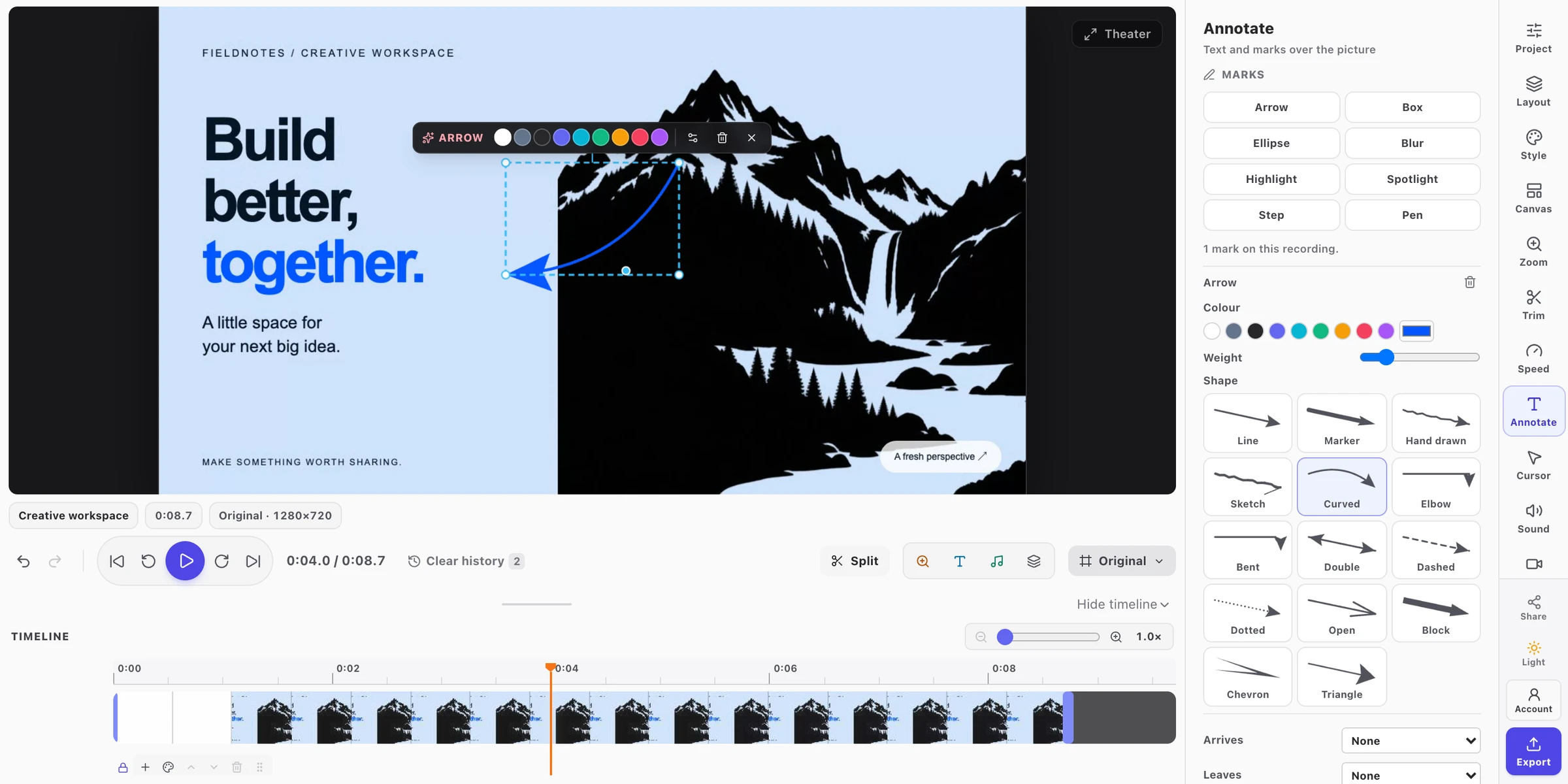
A real FramioCam Studio project, ready to edit and export.
Meet your new creative studio

FramioCam in action

Record, capture, edit, and export in Chrome.

Watch on YouTube ↗