
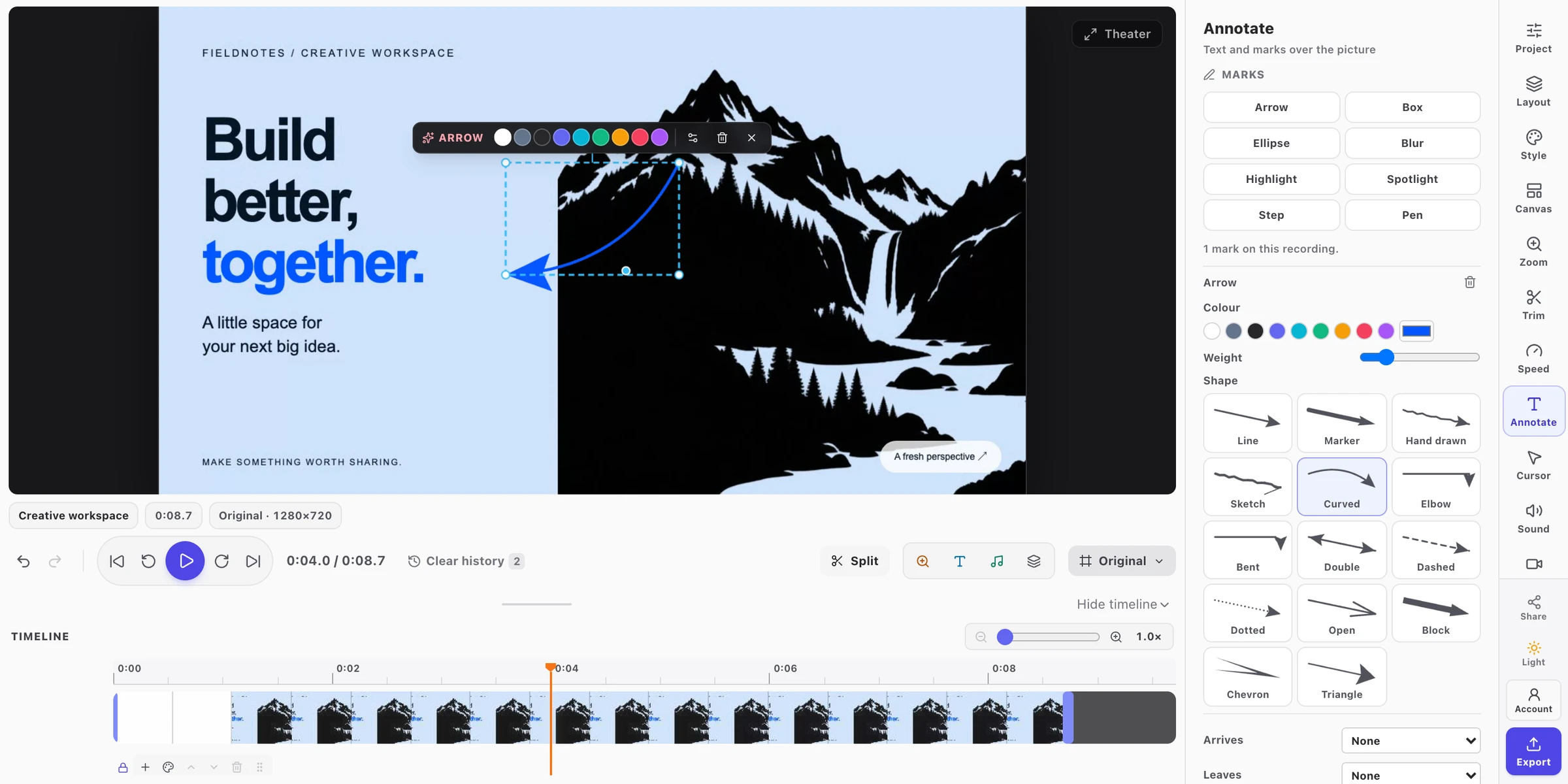
The video editor: canvas, timeline, and editing controls in one workspace.
View full sizeGetting started
Arrange your clips on the timeline, guide attention with zoom and annotations, and choose your export settings. Each section explains the controls and how to use them.
- Trim and arrange clips
- Zoom, annotate, and explain
- Export to your device