Shared wallpapers
Coming soon: 51 wallpapers across Screenshot Studio and the video editor — eight FramioCam originals and 43 macOS backgrounds. Full images download on first use and are cached for offline reuse, with progress and retry in the picker.
Resize handles and arrow shapes
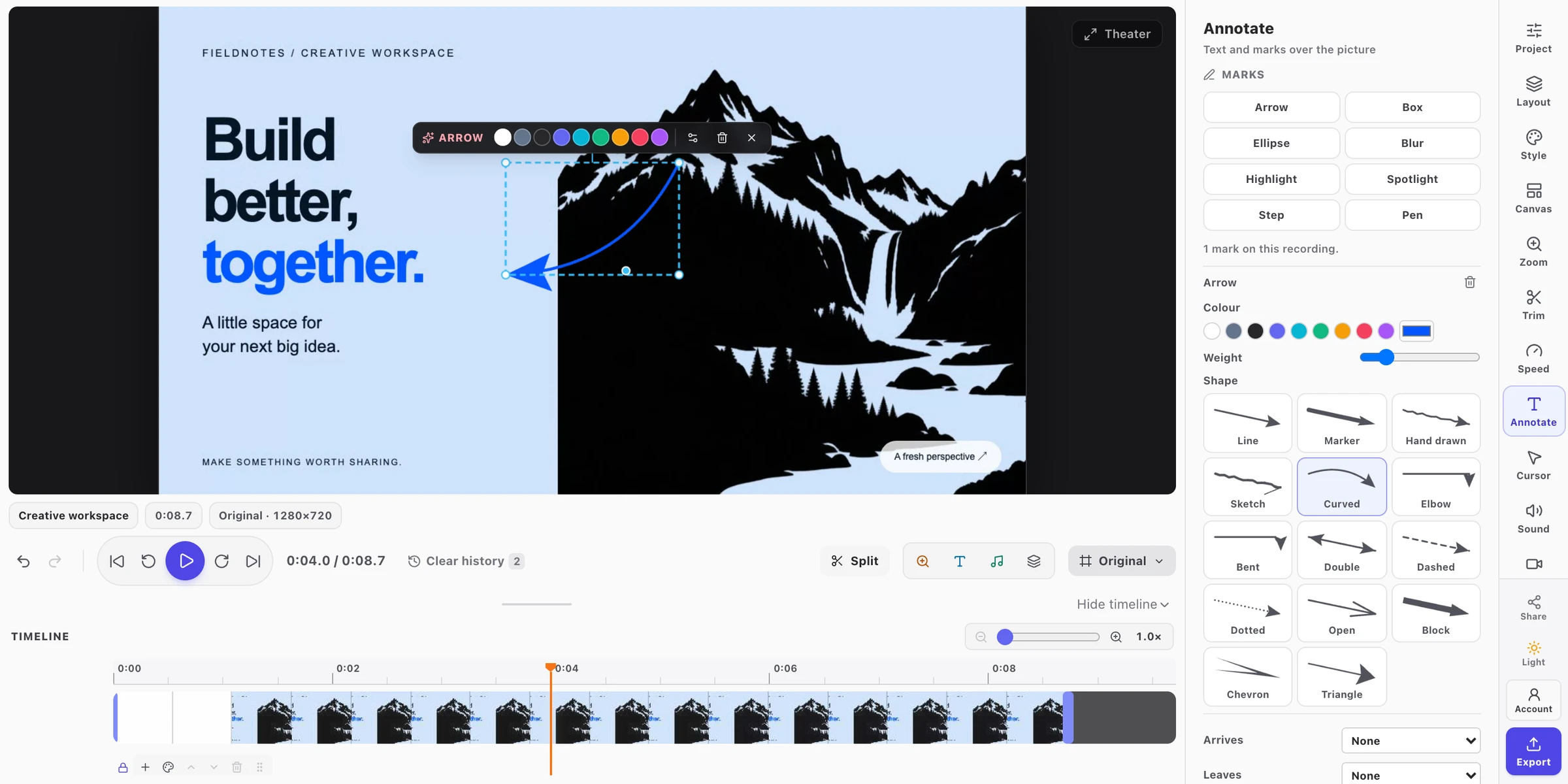
Coming soon: resize text, rectangles, circles, and blur by their corners; adjust line and arrow ends or a spotlight’s radius. Pick from 14 arrow shapes: Line, Marker, Hand drawn, Sketch, Curved, Elbow, Bent, Double, Dashed, Dotted, Open, Block, Chevron, and Triangle. Bend and turn supported shapes directly on the picture; each drag is one undo step.
Tool keys
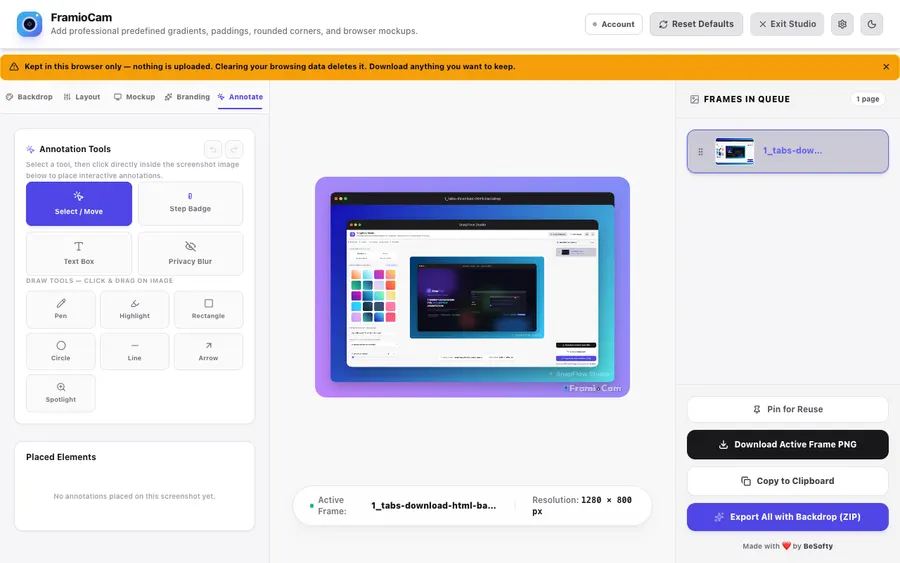
Coming soon: visible letter keys on every tool, matching the video editor. V selects, N places a Step, T adds Text, B selects Blur, P Pen, H Highlight, R Rectangle, C Circle, L Line, A Arrow, and Z Spotlight. Tool keys leave typing and dialogs alone.
Brand watermark handles
Coming soon: select your own text or logo watermark, resize it from a corner, delete it with Delete or Backspace, and undo the change. Your brand watermark is separate from the free plan’s FramioCam watermark.